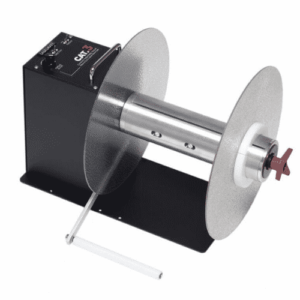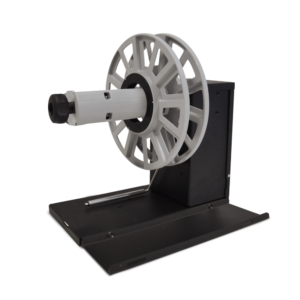






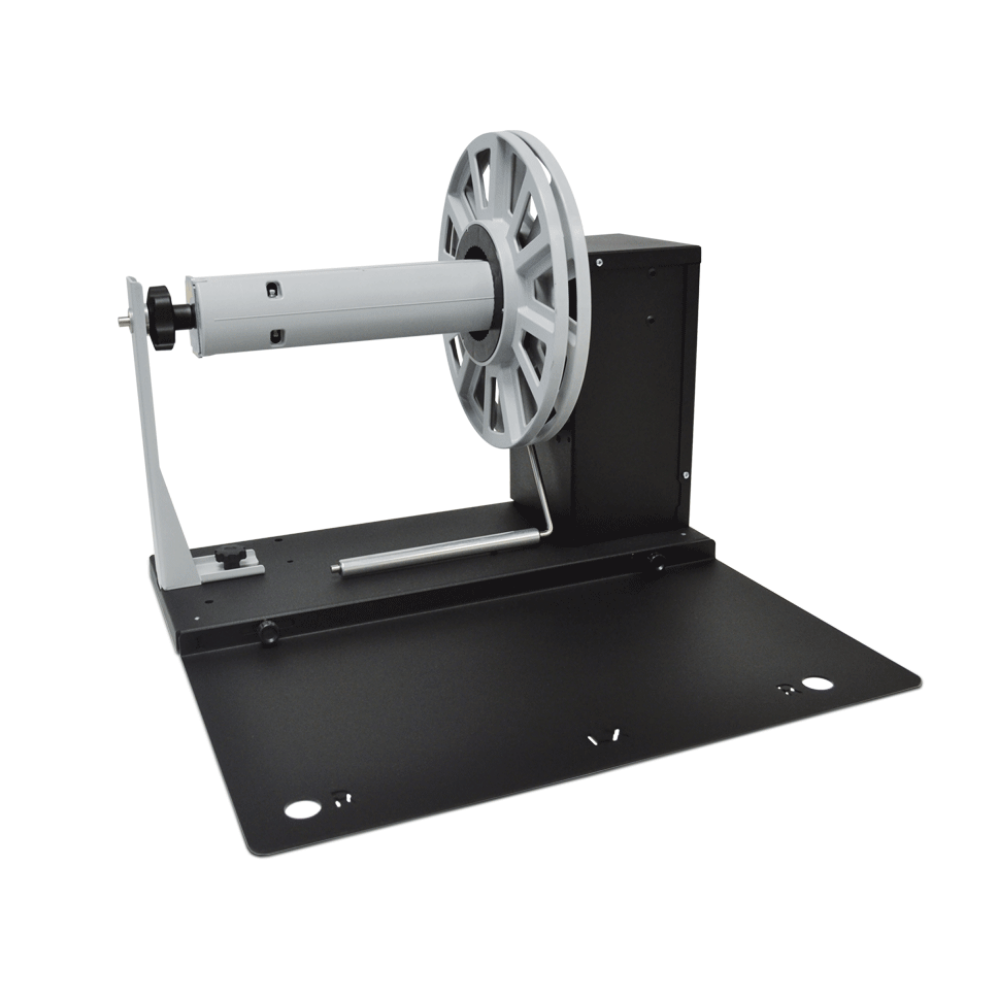

The rewinder makes it easy to rewind large quantities of labels. Capable of handling rolls up to 10″ (250mm) diameter and 8.66″ (220mm) wide, these units improve manufacturing production speed and streamlining the label rewinding process. An essential component for any production line requiring zero risks to product label appearance.
An essential component for any production line requiring zero risks to product label appearance.
The machines are completely independent.
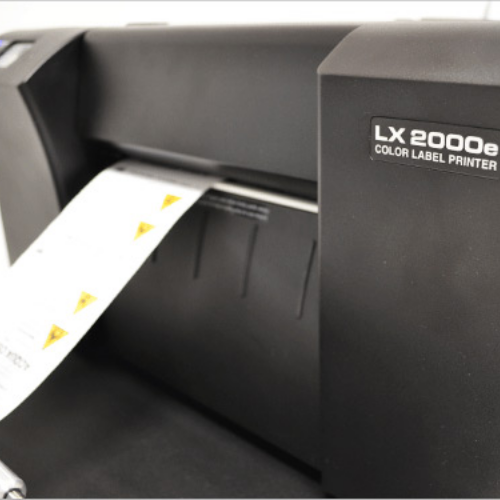
If you use the internal label unwinder built into the printer, you can use an external label rewinder to print larger print runs and rewind your labels neatly. If you use label rolls whose diameter is larger than the maximum diameter of the internal label unwinder built into the printer, you can add an external label unwinder that would drastically reduce your label cost versus smaller rolls (larger label rolls = lower cost).
An external power supply 100/240VAC – 2.5A at 24V allows an electronic circuit to provide, through the tension arm, the adjustment of the rotation speed and rotation direction. A 2A fuse is used as protection.
The rewinder has two types of speed adjustments, through the two buttons, it is possible to set the maximum speed required while the tension arm will auto adjust the speed from zero to the set value. The control panel allows setting the label rewinding face-in or face-out option.
When the roll of labels runs out, the device stops by uttering an acoustic signal.
| Weight | 26 lbs |
|---|---|
| Dimensions | 21 × 21 × 15 in |
| Brand |